Chapter 2: Model Define — Global and General
2.1 Global group
The Global group edits scene-level settings. Both buttons require that no object is selected.
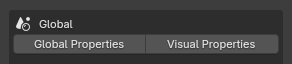
Global Properties
Operator ID: forge.properties_global
The dialog contains:
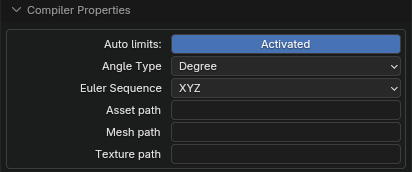
- Compiler settings. The Autolimits switch controls automatic range inference. MJCF reference
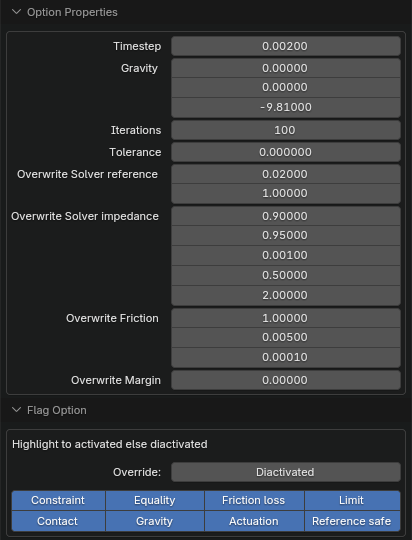
- Simulation option settings. MJCF reference
- A nested subpanel inside Option Properties containing Override and the individual flag switches. MJCF reference
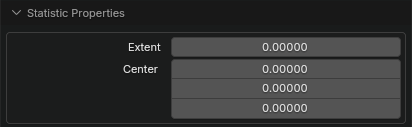
- Model statistics. MJCF reference
Changes are written directly to the scene's
Forge_GlobalConfig.
Visual Properties
Operator ID: forge.properties_visual
The dialog contains Global, Headlight, Map, RGBA, Quality, SSGI, and Tonemapping:
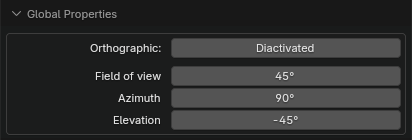
- Global miscellaneous parameters. MJCF reference
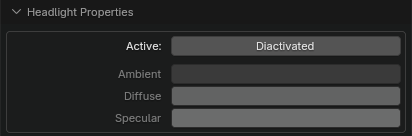
- Headlight parameters. When Active is disabled, the Headlight sub-parameters cannot be edited. Export writes the Active state to the headlight active attribute as 1/0; import accepts both 1/0 and true/false. MJCF reference
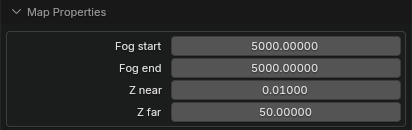
- View-distance and fog settings. MJCF reference
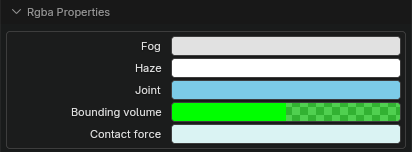
- Color and transparency settings for different decorative objects. MJCF reference
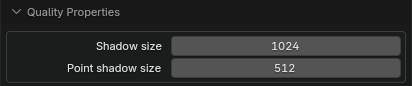
- Shadow-map quality settings. MJCF reference
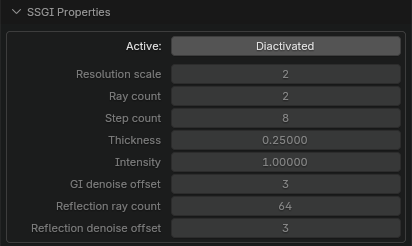
- SSGI settings. When Active is disabled, SSGI sub-parameters cannot be edited. MJCF reference

- Tonemapping settings. MJCF reference
Changes are written directly to the scene's
Forge_VisualConfig.
2.2 General group

Define model
Operator ID: forge.define_model_type
Dialog:
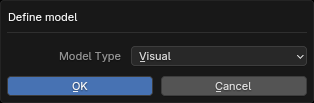
This operator is available only for objects whose Forge_Model_Type == UNDEFINED. The available Forge types depend on the Blender object type:
| Blender object type | Forge types available | Additional behavior |
|---|---|---|
| Empty | Link | Move to the Link or World Collection and use the LNK_ prefix. |
| Mesh | Visual, Collider | Initialize as Mesh; Visual uses Group 2 with contact disabled, Collider uses Group 3; use the GEO_ or COL_ prefix. |
| Light | Light | Area Light is unsupported; initialize a Forge Light and use the LIT_ prefix. |
| Camera | Camera | Perspective and Orthographic only; use the CAM_ prefix. |
Procedure:
- Select Blender objects of the same type that have not been defined.
- Click Define model.
- Choose a Model Type and confirm.
Batch Rename
Operator ID: forge.batch_rename
Dialog:
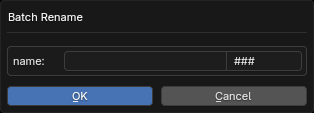
The operator becomes available when at least one object is selected:
- Enter a common name prefix in New Name.
- Enter a numbering placeholder in Numerate; the number of characters determines the zero padding.
- Confirm. Names are generated as
prefix_number.
For example, with New Name arm and Numerate ###, the results are arm_000, arm_001, and so on.